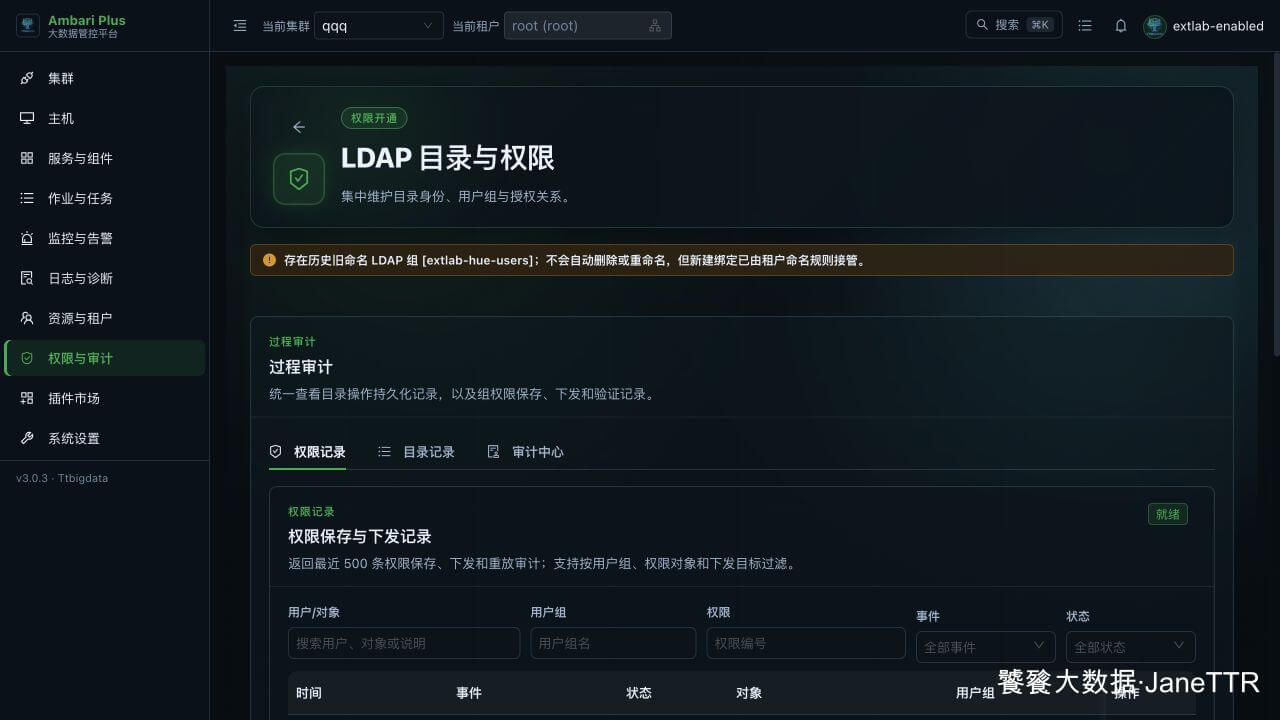
 【AD】用户、用户组与授权验证实战
# 验证链路
AD 用户/组 → 只读同步 → 管理员识别 → 组权限 → Ranger/Knox/组件 → 审计
1
# 1. 在 AD 创建验证对象
在域控 PowerShell 中执行,密码通过 Read-Host -AsSecureString 输入,不写入脚本:
$password = Read-Host 'Input initial password' -AsSecureString

New-ADUser `
  -Name 'Analyst 01' `
  -SamAccountName 'analyst01' `
  -UserPrincipalName '[email protected]' `
  -Path 'OU=Users,DC=example,DC=com' `
  -AccountPassword $password `
  -Enabled $true

New-ADGroup `
  -Name 'data-developers' `
  -SamAccountName 'data-developers' `
  -GroupScope Global `
  -GroupCategory Security `
  -Path 'OU=Groups,DC=example,DC=com'

Add-ADGroupMember -Identity 'data-developers' -Members 'analyst01'
1
2
3
4
5
6
7
8
9
10
11
12
13
14
15
16
17
18
2
3
4
5
6
7
8
9
10
11
12
13
14
15
16
17
18
验证嵌套组:
New-ADGroup `
  -Name 'platform-data-users' `
  -SamAccountName 'platform-data-users' `
  -GroupScope Global `
  -GroupCategory Security `
  -Path 'OU=Groups,DC=example,DC=com'

Add-ADGroupMember -Identity 'platform-data-users' -Members 'data-developers'
Get-ADGroupMember -Identity 'platform-data-users' -Recursive
1
2
3
4
5
6
7
8
9
2
3
4
5
6
7
8
9
# 2. 核对平台同步
进入 02 用户 和 03 用户组,确认:
analyst01来源为 AD;- 直属组为
data-developers; - 启用嵌套组后,有效组包含
platform-data-users; - AD 页面保持只读,新增/删除操作回域控完成。
# 3. 设置管理员组
管理员用户必须属于向导中配置的管理员组。用域控命令核对:
Get-ADGroupMember -Identity 'ambari-admins' -Recursive
Get-ADUser -Identity 'platform-admin' -Properties Enabled,MemberOf
1
2
2
管理员组只授予平台管理能力;数据权限仍按业务组配置。
# 4. 按组授权
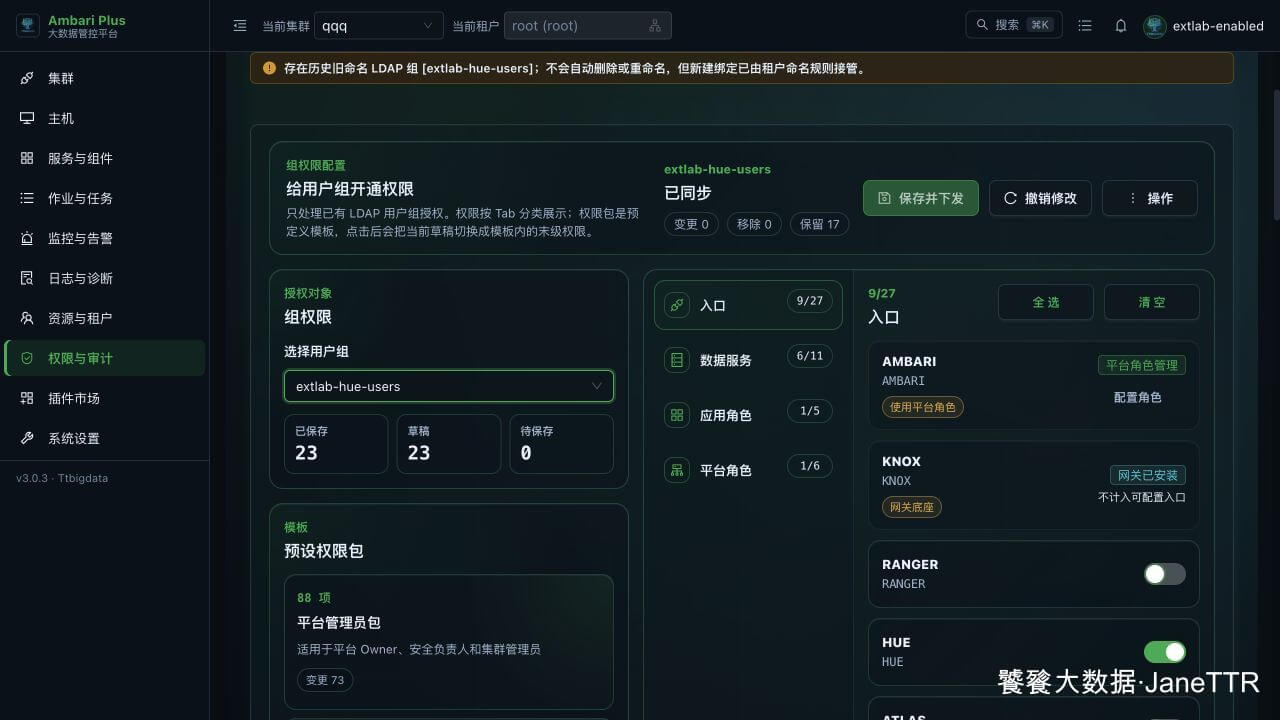
进入 04 授权 → 组权限配置,选择 AD 组,配置入口、数据服务、应用角色和平台角色。
# 5. 验证新增成员继承
- 创建
analyst02,先验证其无目标组权限。 - 执行
Add-ADGroupMember -Identity 'data-developers' -Members 'analyst02'。 - 等待目录同步与权限下发。
- 重新登录,验证
analyst02自动继承该组已有权限。
# 6. 验证组件与审计
从服务 Quicklinks 打开已授权组件,完成真实查询或写入;未授权用户应被拒绝。
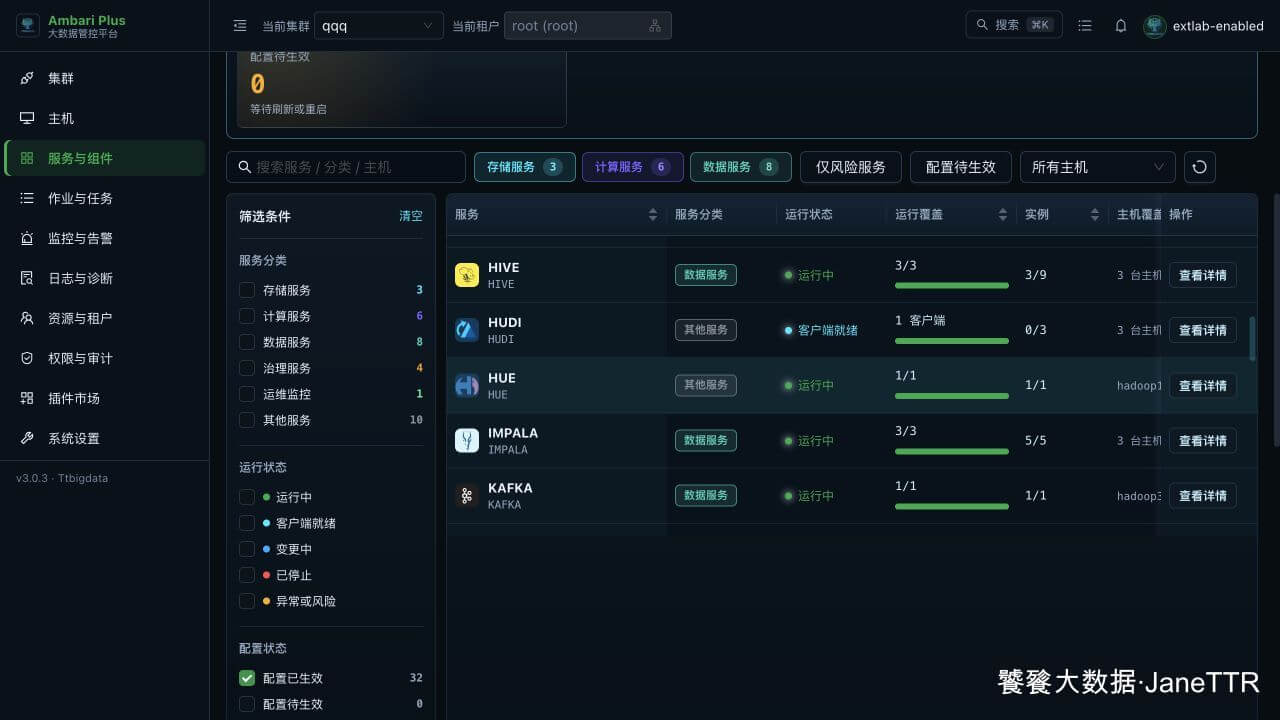
最后检查目录同步、组权限保存和下发审计均成功: