
 基于 Brunch Dev Server 反向代理连接生产环境
# 一、问题背景与目标
本地执行:
yarn start
1
访问:
http://localhost:3333
1
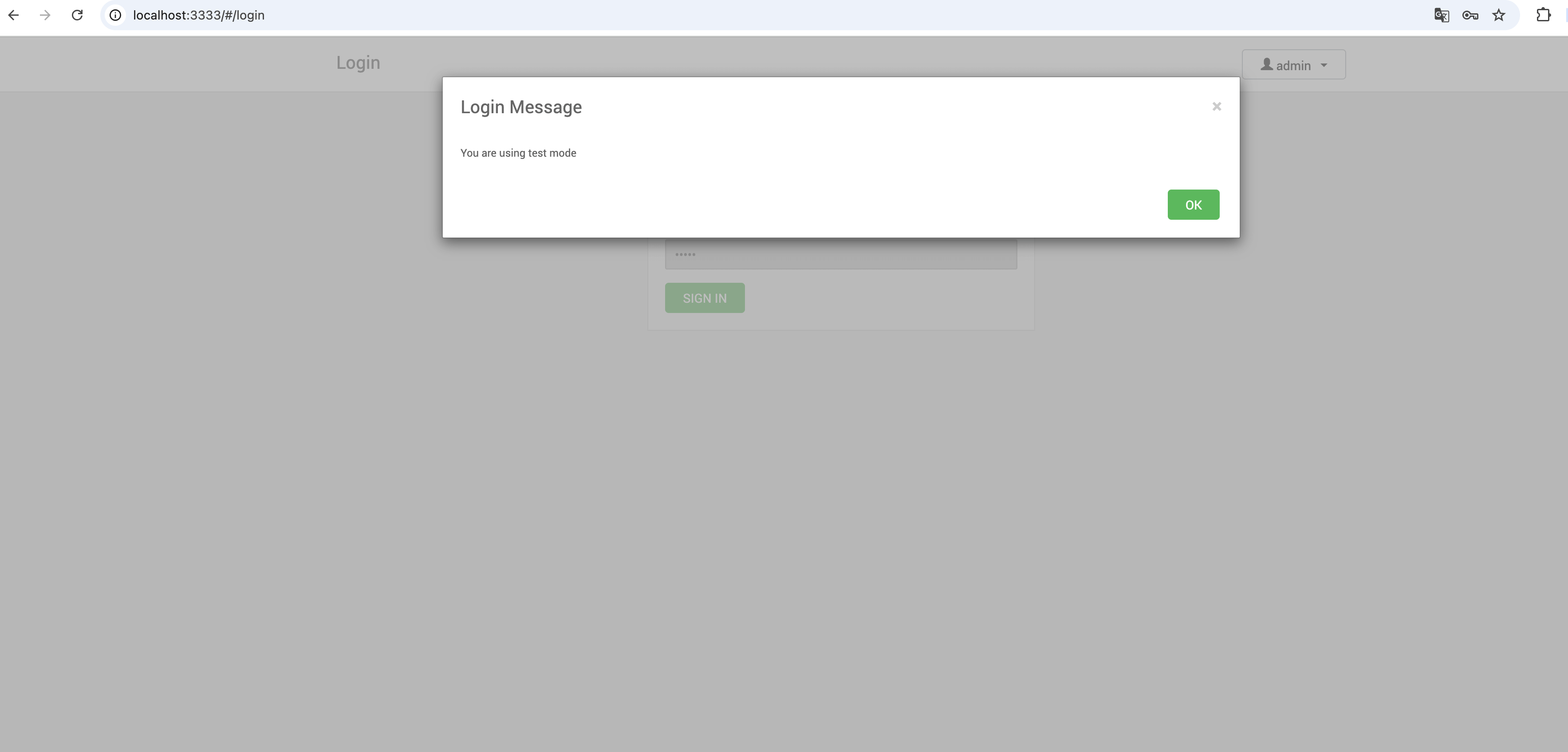
页面可以正常打开,但此时存在几个关键问题:
- 默认进入 testMode
- 所有接口为 mock
- 无法直连线上 Ambari Server
- WebSocket 无法透传
- 存在跨域与 Cookie 问题
核心目标
让本地 Ambari-Web:
- 默认连接真实生产接口
- 可通过 URL 切换 mock
- 无跨域问题
- 支持 WebSocket
- 不修改后端代码
# 二、改造一:解除 testMode 强绑定
# 1、修改 ambari-web/app/config.js

原逻辑:
App.testMode = (location.port == '3333');
1
问题:端口 3333 自动进入 mock,无法联调真实接口。
# 2、替换为可控模式
// Default to real backend calls in local dev. Use ?testMode=true to enable mocks explicitly.
var hasTestModeQuery = /(?:^|[?&])testMode=true(?:&|$)/.test(location.search);
App.testMode = hasTestModeQuery;
1
2
3
2
3
# 3、控制逻辑说明
| 访问地址 | 结果 |
|---|---|
| http://localhost:3333/ (opens new window) | 真实接口 |
| http://localhost:3333/?testMode=true (opens new window) | mock |
建议
默认联调真实接口,仅在需要验证 UI 或接口模拟时启用 testMode。
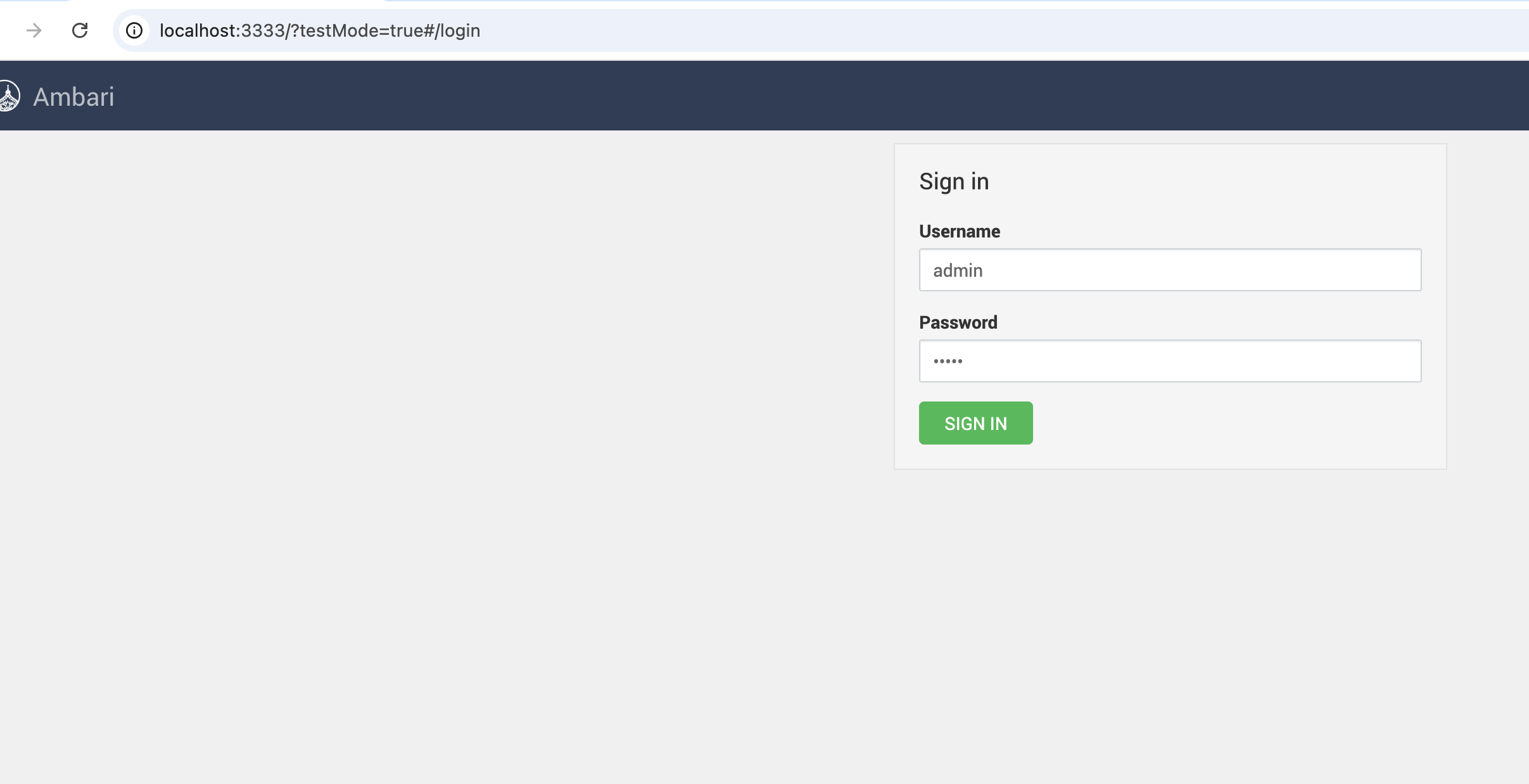
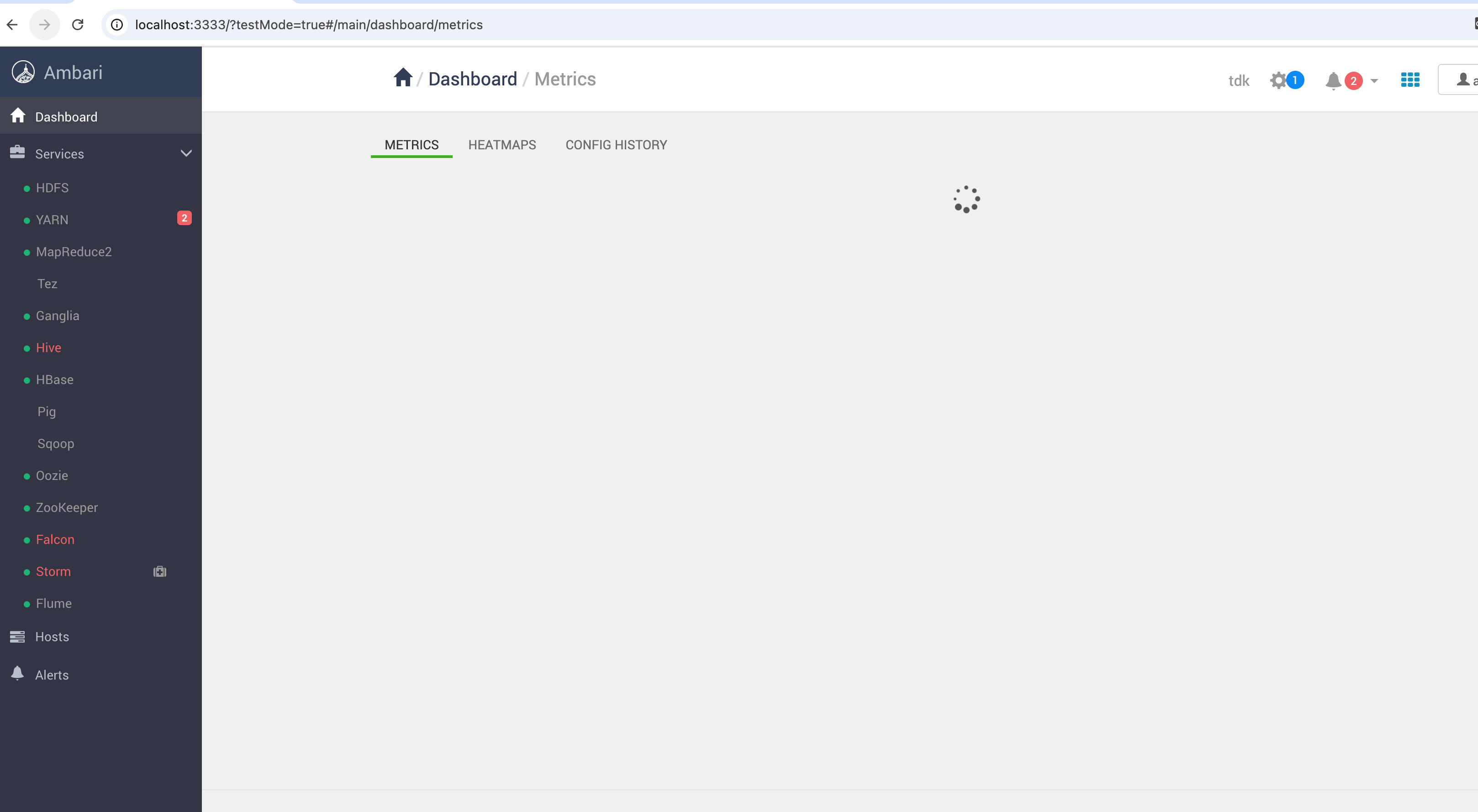
# 4、test 模式效果截图
登录前:
登录后:
# 三、改造二:重写 Brunch Dev Server
# 1、修改 ambari-web/brunch-config.js
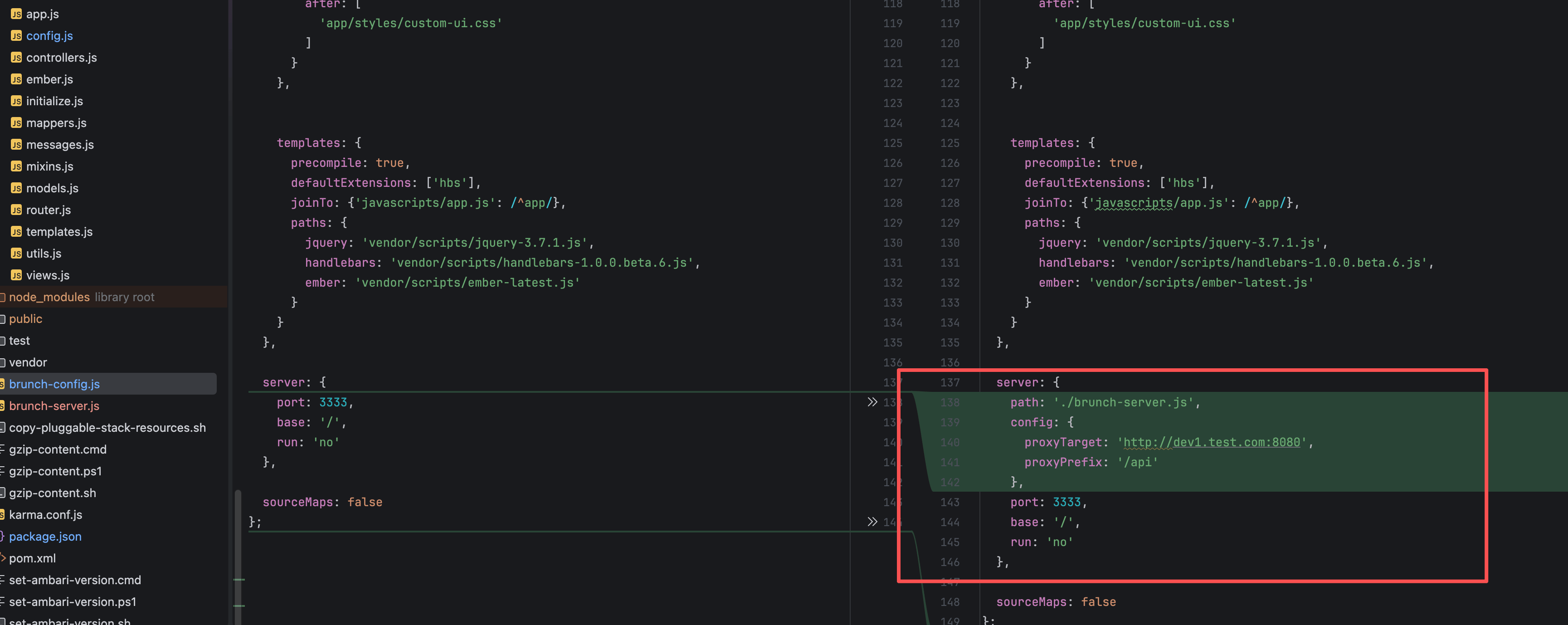
原始配置:
server: {
  port: 3333,
  base: '/',
  run: 'no'
},
1
2
3
4
5
2
3
4
5
# 2、替换为自定义 server
server: {
  path: './brunch-server.js',
  config: {
    proxyTarget: 'http://dev1.test.com:8080',
    proxyPrefix: '/api'
  },
  port: 3333,
  base: '/',
  run: 'no'
},
1
2
3
4
5
6
7
8
9
10
2
3
4
5
6
7
8
9
10
# 3、参数说明
| 参数 | 说明 |
|---|---|
| path | 指向自定义 server 文件 |
| proxyTarget | 线上 Ambari 地址 |
| proxyPrefix | 匹配此前缀才走代理 |
设计原则
只代理 /api,静态资源仍由本地 Brunch 提供。
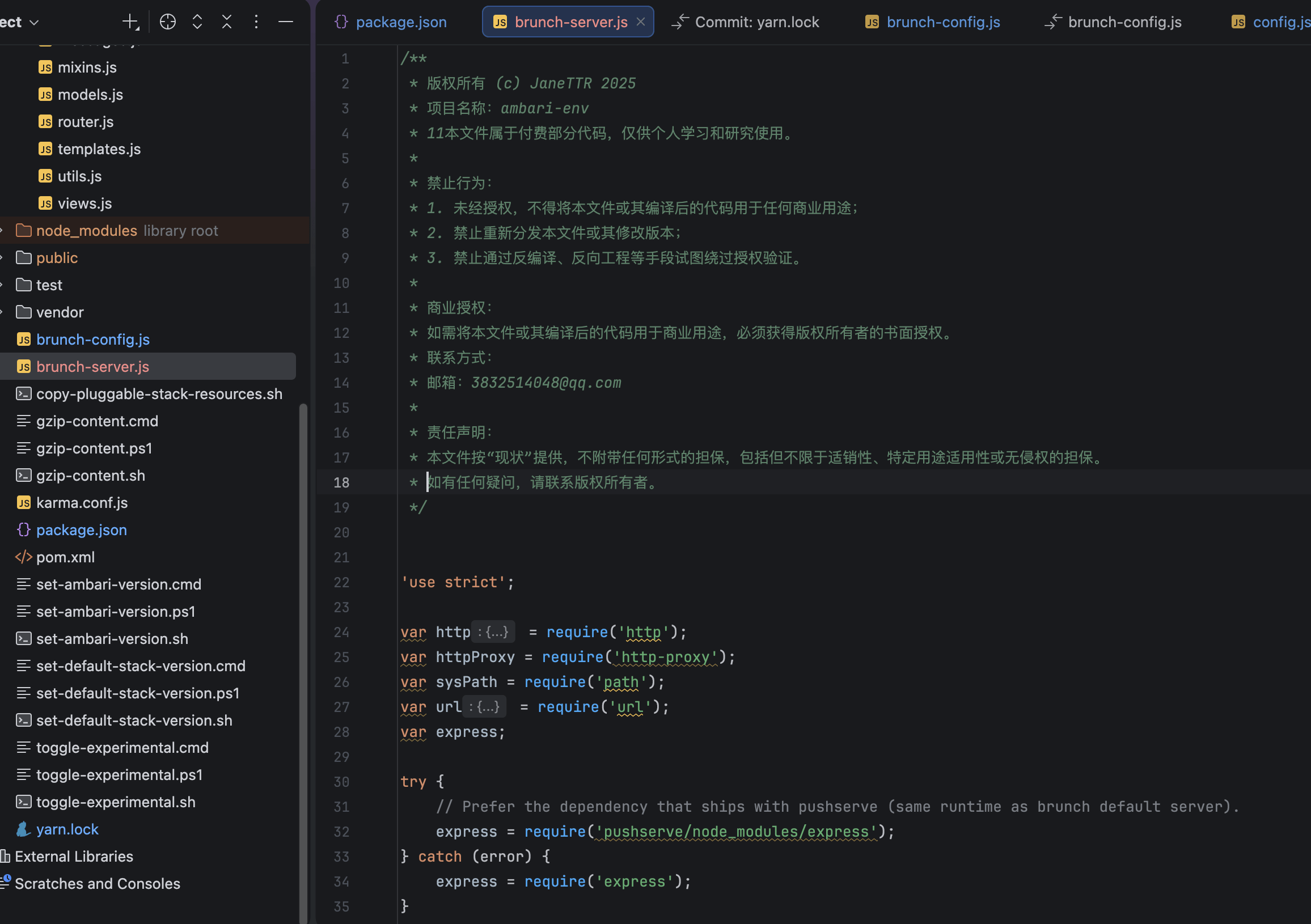
# 四、新增核心文件 brunch-server.js
# 五、源码压缩包下载(百度网盘)
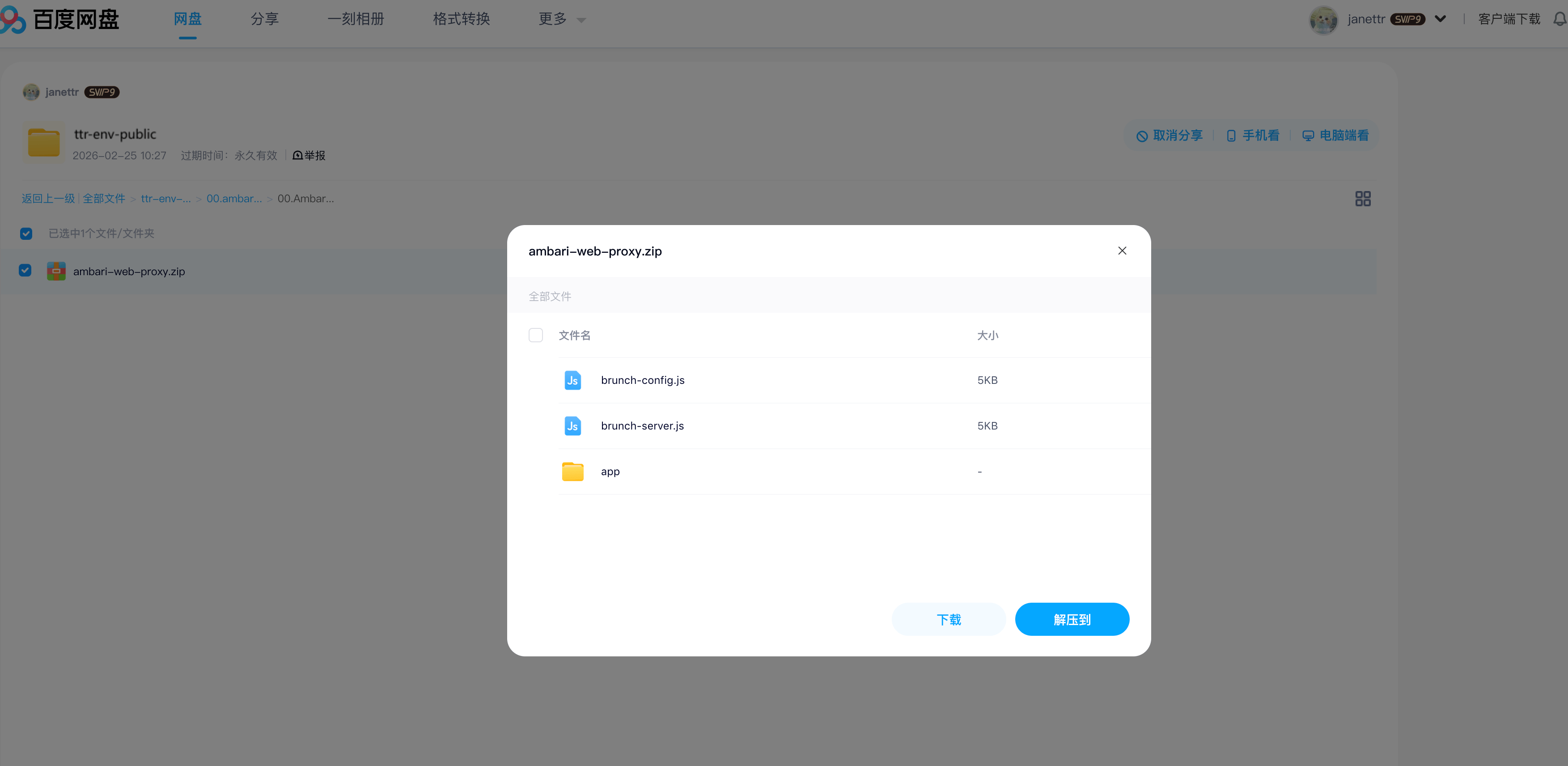
下载地址:
https://pan.baidu.com/s/1knRagnXjg7T8lTh6KfyTYA?pwd=ewmx
1
使用方式
下载后直接覆盖至 ambari-web 根目录即可。
# 六、启动与验证
重新启动:
yarn start
1
# 1、启动日志
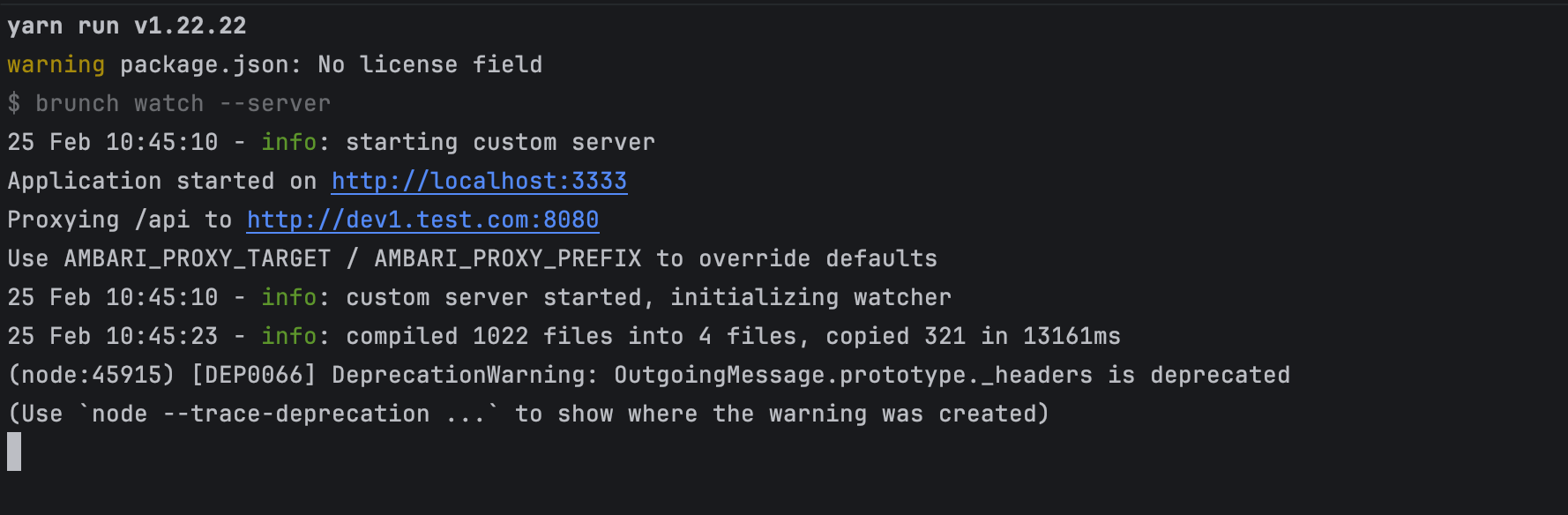
关键输出:
Proxying /api to http://dev1.test.com:8080
1
说明代理加载成功。
# 2、浏览器 F12 验证
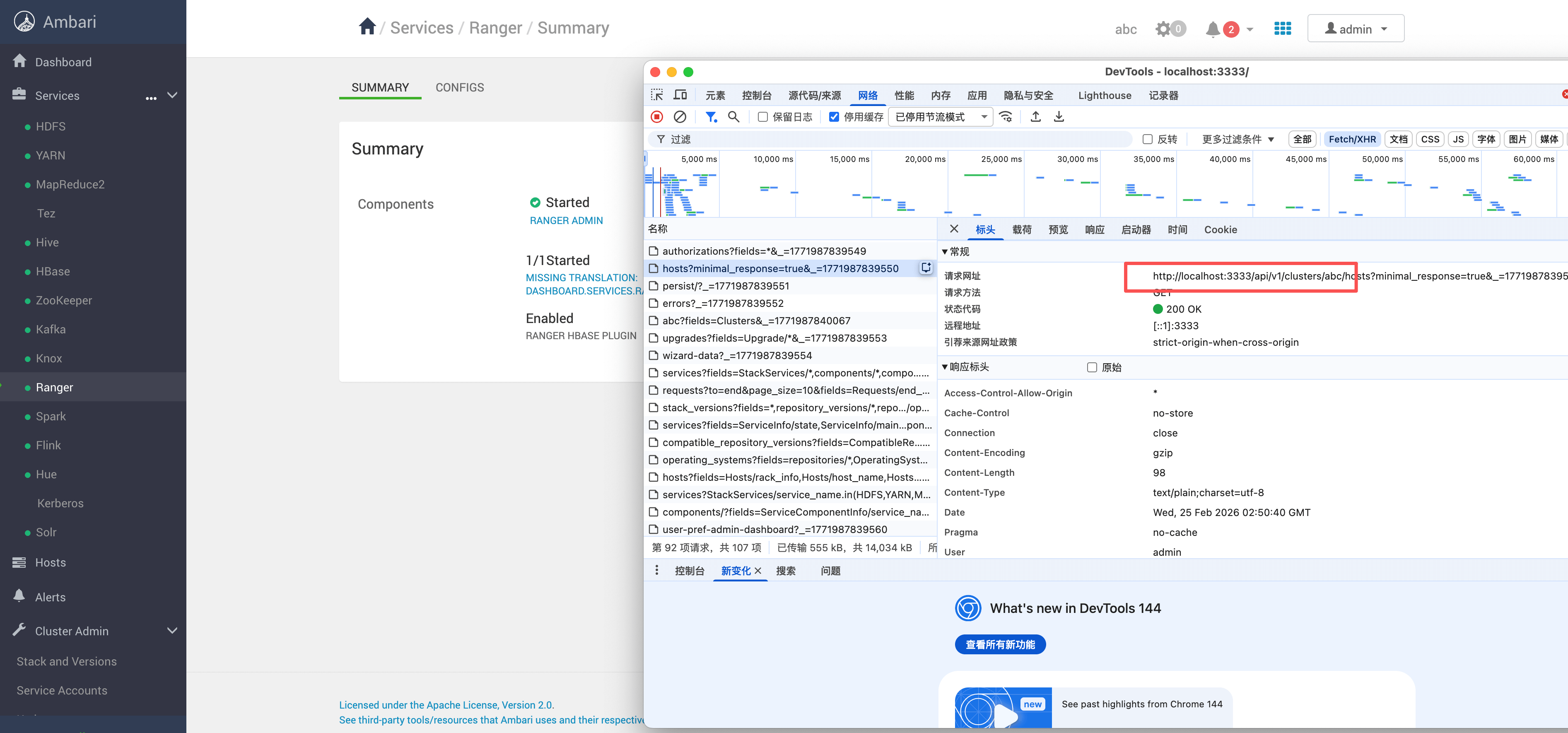
验证点:
- 请求路径仍为 localhost:3333
- 实际响应来自 dev1.test.com
- 无跨域报错
- Cookie 正常
- Session 正常